
Edit arrow buttons in your Carousel Flow
Easy and quick design fixes
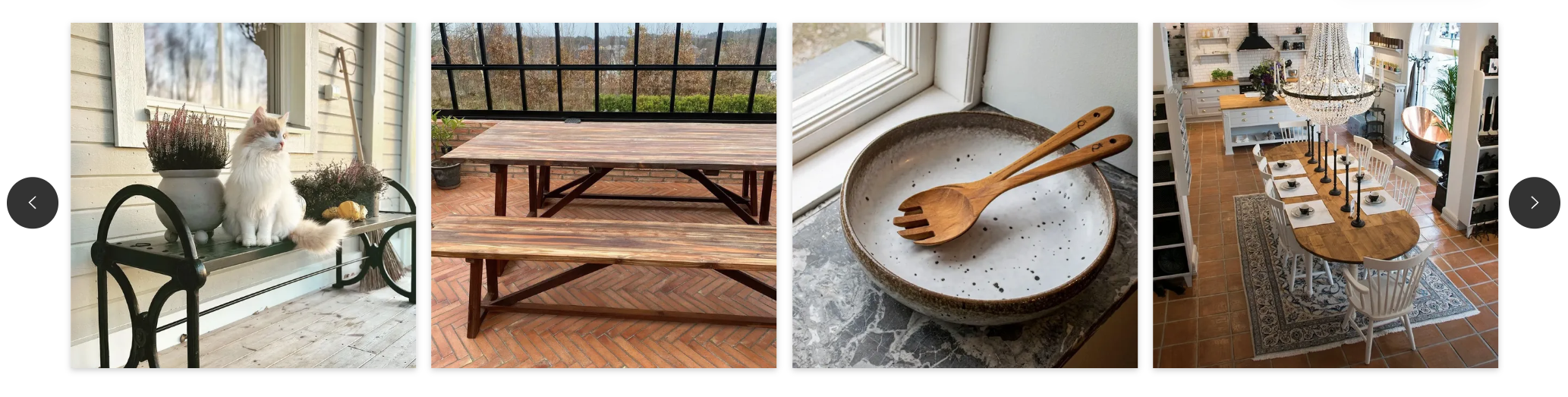
The Carousel Theme has 2 arrow buttons to scroll through the content. It's possible to edit them to make them more minimalist, or to adapt them your site's look and feel:
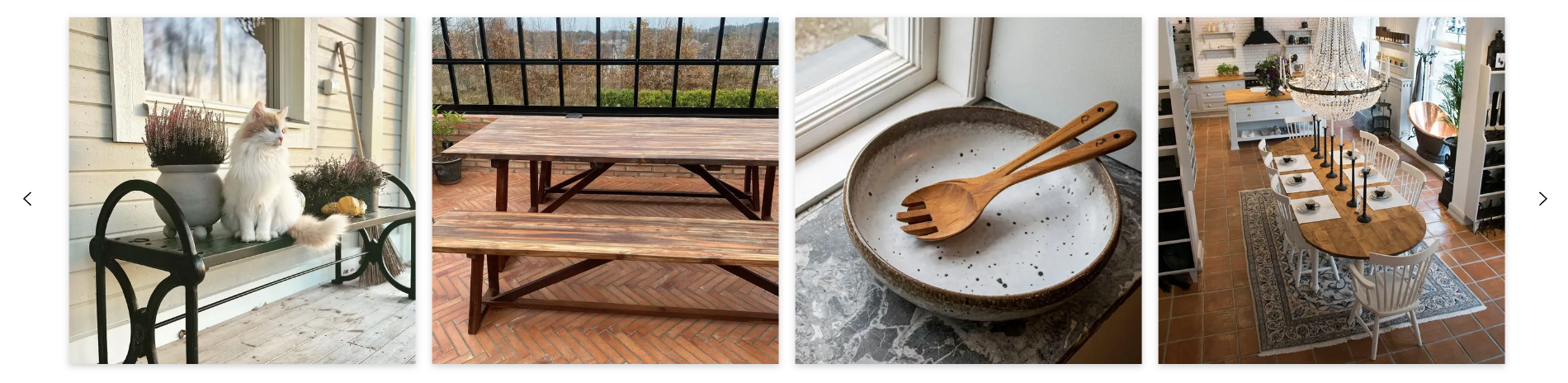
To achieve this effect, paste this CSS code in the "CSS" section of the Flow's Styling Settings:
.bzfy-t-feed-carousel .bzfy-c-carousel-control {
  background-color: transparent !important;
}

.bzfy-t-feed-carousel .bzfy-c-carousel-control svg {
  max-width: 2em;
  max-height: 2em;
}

.bzfy-t-feed-carousel .bzfy-c-carousel-control polygon {
  fill: #000;
}

.bzfy-t-feed-carousel .bzfy-c-carousel-control polygon:hover {
  fill: #000;
}
If you want to customize the color of the arrows, you can add this CSS code:
.bzfy-feed-gate-control {
  background-color: #FFF !important;
}

.bzfy-icon polygon {
  fill: #46adb8 !important;
}
Change '#46adb8' to the hex color code that you want. In this example it's turquoise.
