
Import and upload content to Library
This article describes how to import and upload media content to the Library
Import and upload to Library
The Flowbox Library lets you keep all your photos, videos and user generated content in one place.
You can add content one-by-one, or upload folders directly into the Library.
To upload content:
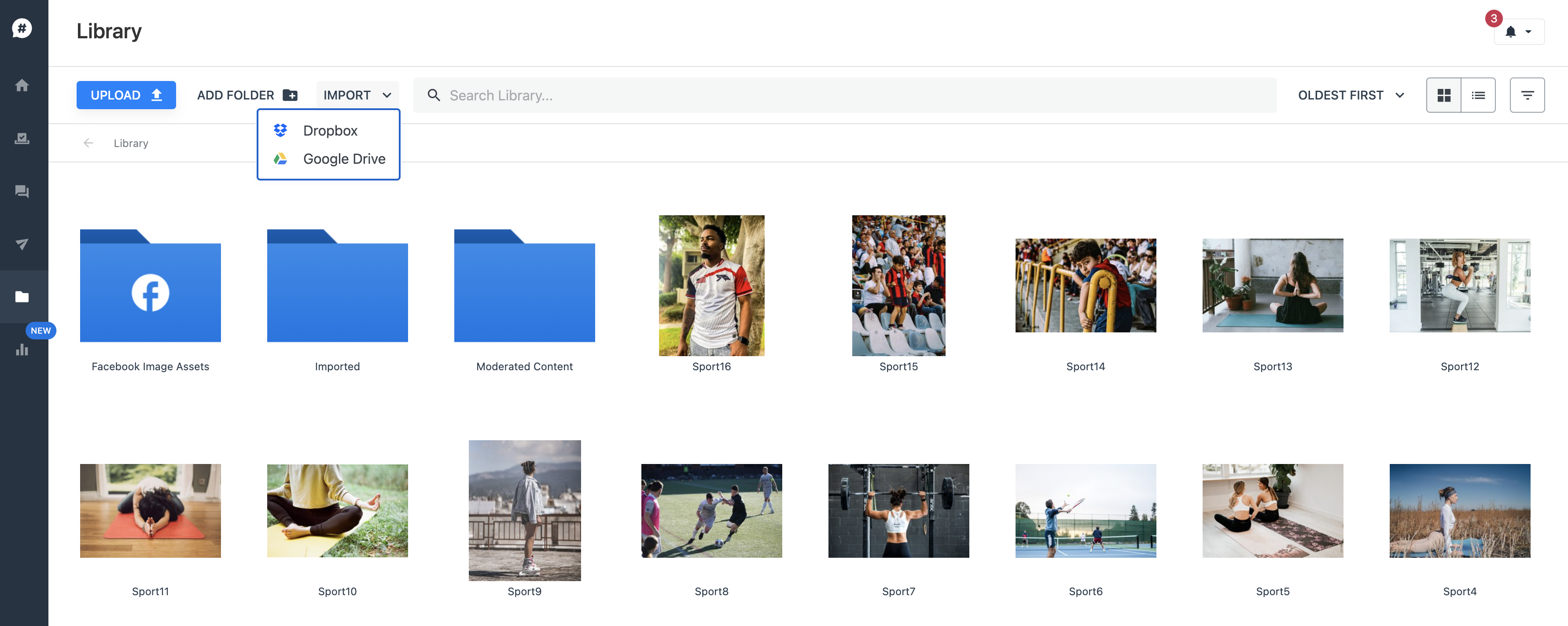
- Log into Flowbox and go to 'Library' in the main menu.
- In the top-bar menu, click on 'Import' and select the source you want to import from. You can import content from Dropbox or Google Drive.
- You can also upload content from your computer by clicking on the blue 'Upload' button.
Upload limitations
You can upload unlimited images and video files to the Library. But we have some limitations on individual files:
- Photos: .jpeg or .png format
- Video: .mp4 or .mov format, max 100MB
Once you've uploaded your content, you can distribute it to your Flows or publish it directly to your social media channels.