
Shopify: How to connect your product catalog to Flowbox
Connect your Shopify product catalog to Flowbox and take full advantage of UGC on your online store.
Flowbox allows you to connect your Shopify product catalog directly to our platform, so you can link UGC to your products and get the most out of Flowbox's commerce features.
Please note that Shopify catalog import requires a valid app connection. If you haven't done so yet, please refer to this article first.
Adding a Shopify store product catalog to Flowbox
Connecting through the Flowbox Shopify app is the easiest way to import your store's products directly into Flowbox and connect them to your UGC right away.
Follow these steps to import your catalog:
- From the Flowbox platform, click on Visual Marketing, then Products in the left-side menu.
- Click the Import products button.
- Select Import from Shopify and, next, select your Shopify Store.
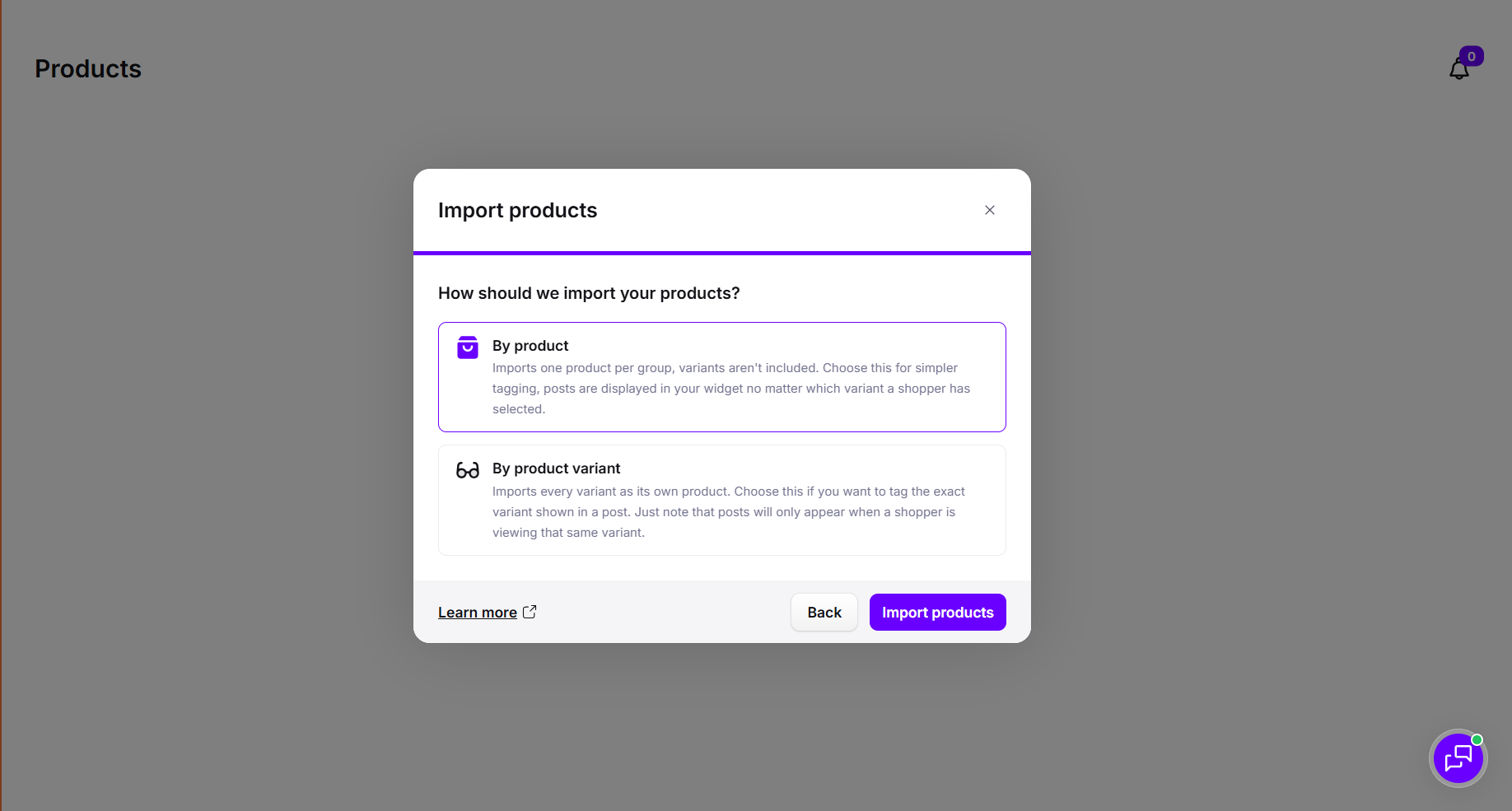
- Choose to import your catalog by product or by product variant
- Click on import products
Please note that importing products can take up to a few minutes depending on the number of items in your catalog
Next step: learn how to assign products to your UGC posts or how to moderate UGC from your collection flow.