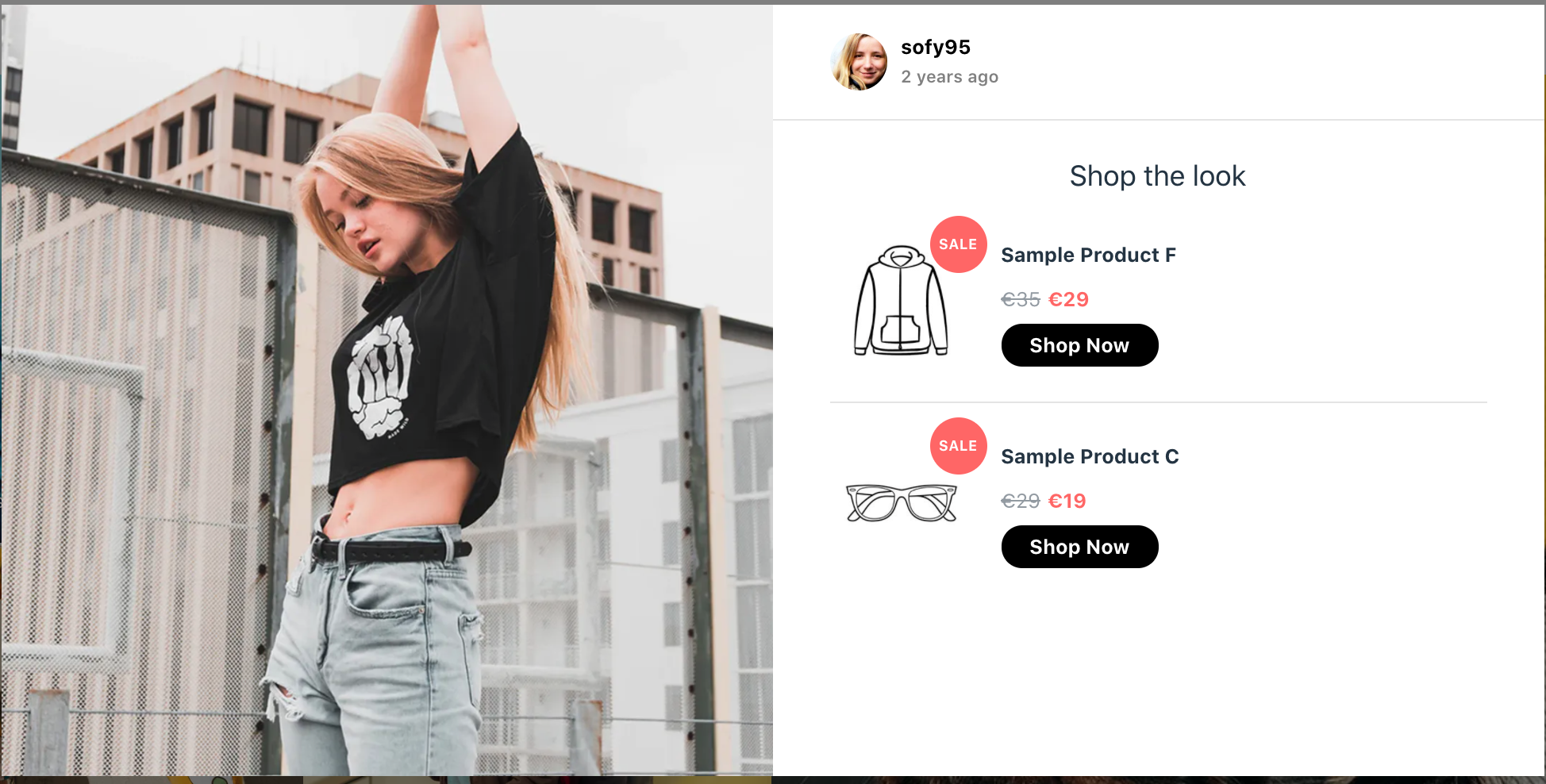
Shoppable Community Page
Collect UGC, tag your products and create a shoppable Community Page
You've set up your Flows, begun collecting content and imported your product catalog, now is a good time to set up your own Community Page to inspire and drive traffic!
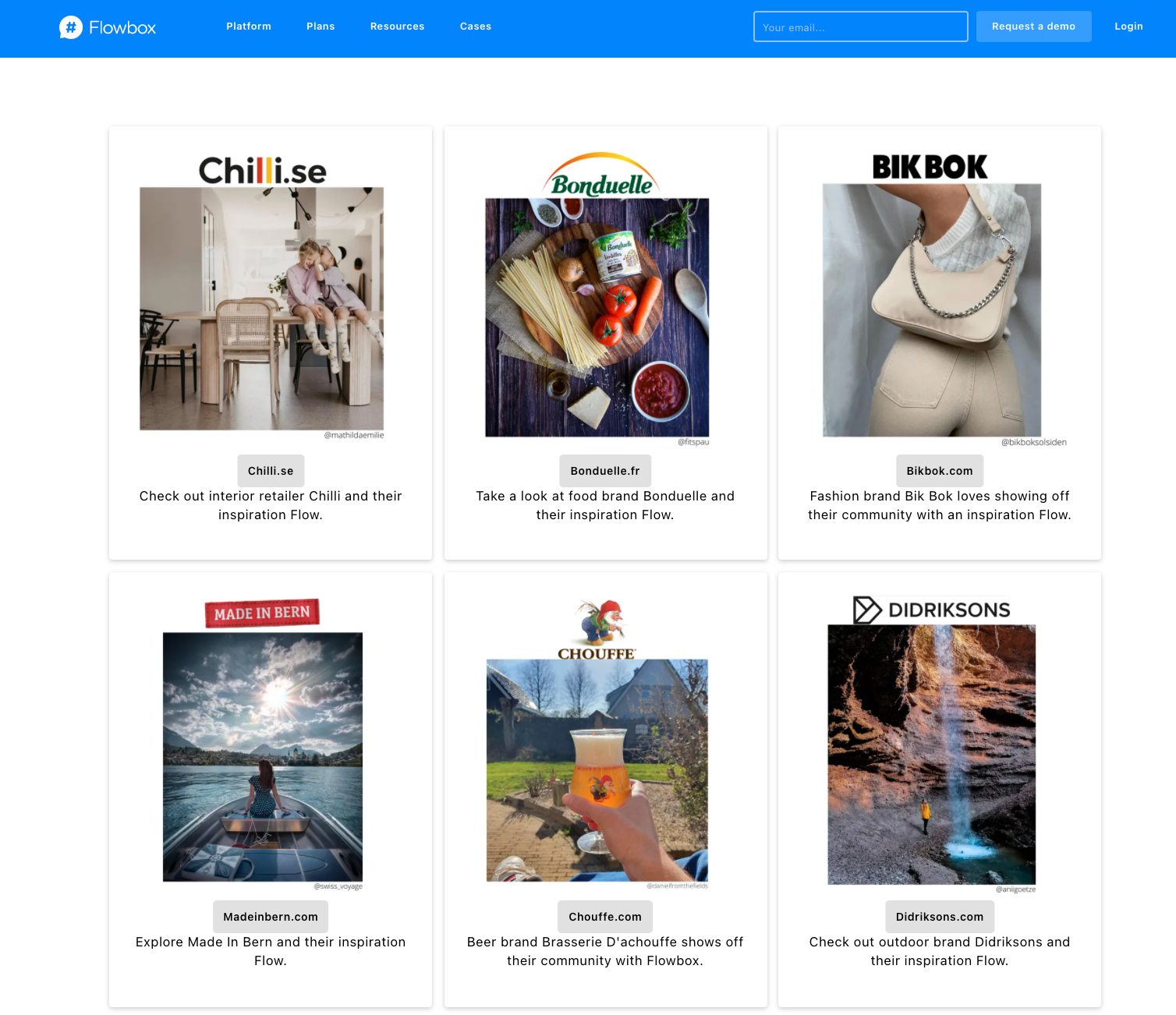
For some inspiration, check out these Flowbox customer's Community Pages:
We've also got a gallery of inspiration on our main website. Check it out here.
How to set up a shoppable Community Page in 6 easy steps
- Collect your content from Instagram in your MasterFlow and distribute it to your Community Page Flow.
- Apply our customizable styling options to your Flow, to make it stand out.
- Add a banner to your Flow to explain what this is. We recommend including your custom hashtag and Instagram handle, for example: 'We love seeing you enjoy our products. Tag @company on Instagram and use the hashtag #LoveCompany to be featured here'.
- Embed your Community Flow on your website.
- Watch your community grow and remember to track the results in Website Analytics!
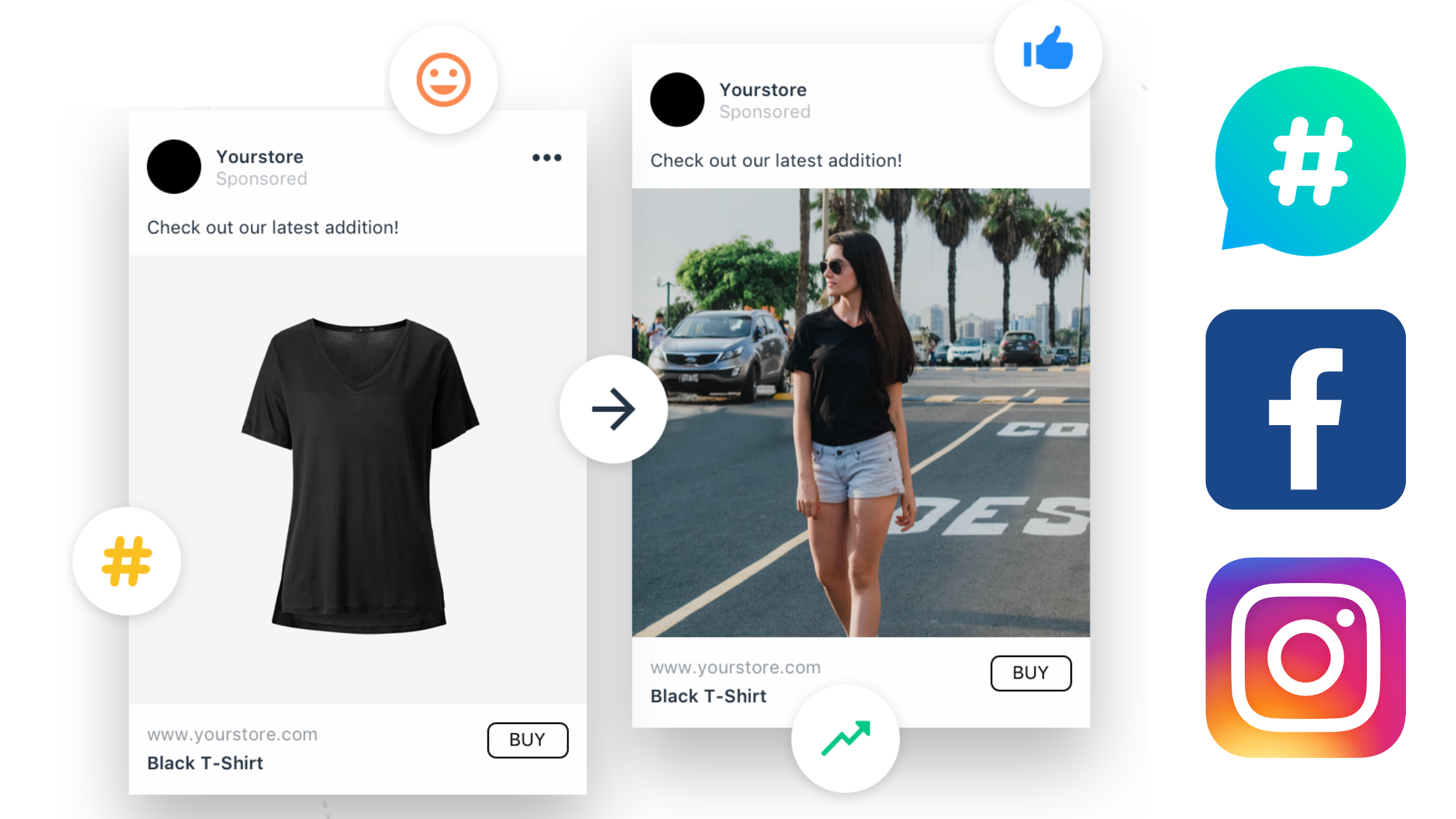
Dynamic Product Ads
You can also run Dynamic Product Ads on Facebook and Instagram by setting up our UGC DPA feature.