How to use filters in Moderate
Use filters to find your posts
Using filters will help you find that one, or more, post(s) that you're looking for in Moderate.
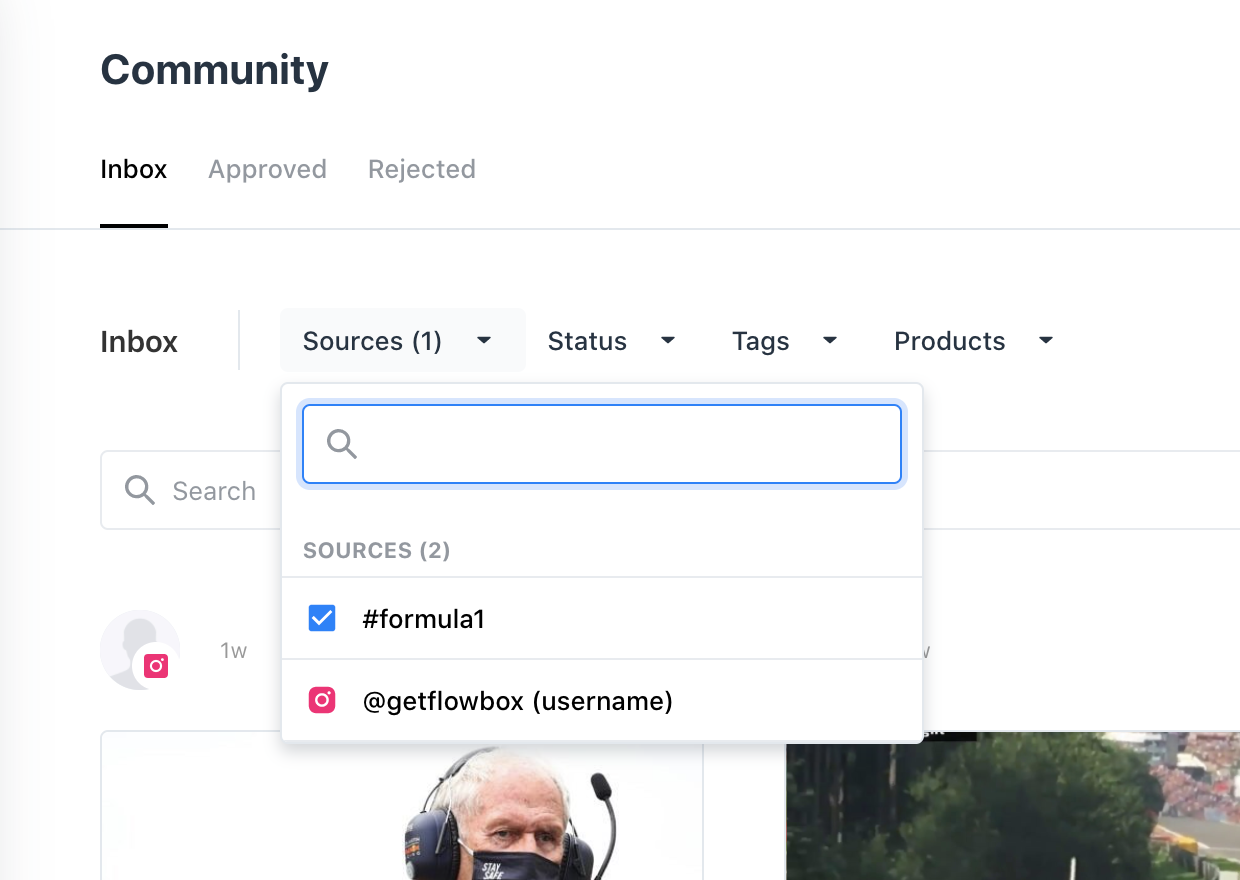
When in a Flow, you can filter on certain attributes in the header:
- Sources – i.e. show all posts collected from your designated Instagram hashtag.
- Status – i.e. show all posts where the Rights Request is pending.
- Tags – i.e. show all posts containing a custom tag.
- Products – i.e. show all posts tagged with a specific product.
To access the filters
- Log into your Flowbox account and select your Flow.
- In the header menu, you will see the filter options as individual drop-down menus.
- Select your filter.
- The search results will update.