
Implement Email Flows in Klaviyo
How to implement Email Flows using Klaviyo
Follow this guide to embed your Flowbox Flows in your Klaviyo emails to enhance your campaigns. ✨
First of all, if you're not familiar with how to set up an Email Flow, it's a good idea to read this general article first.
- When editing your email template in Klaviyo, drag and drop a Text block into your email at its desired position.
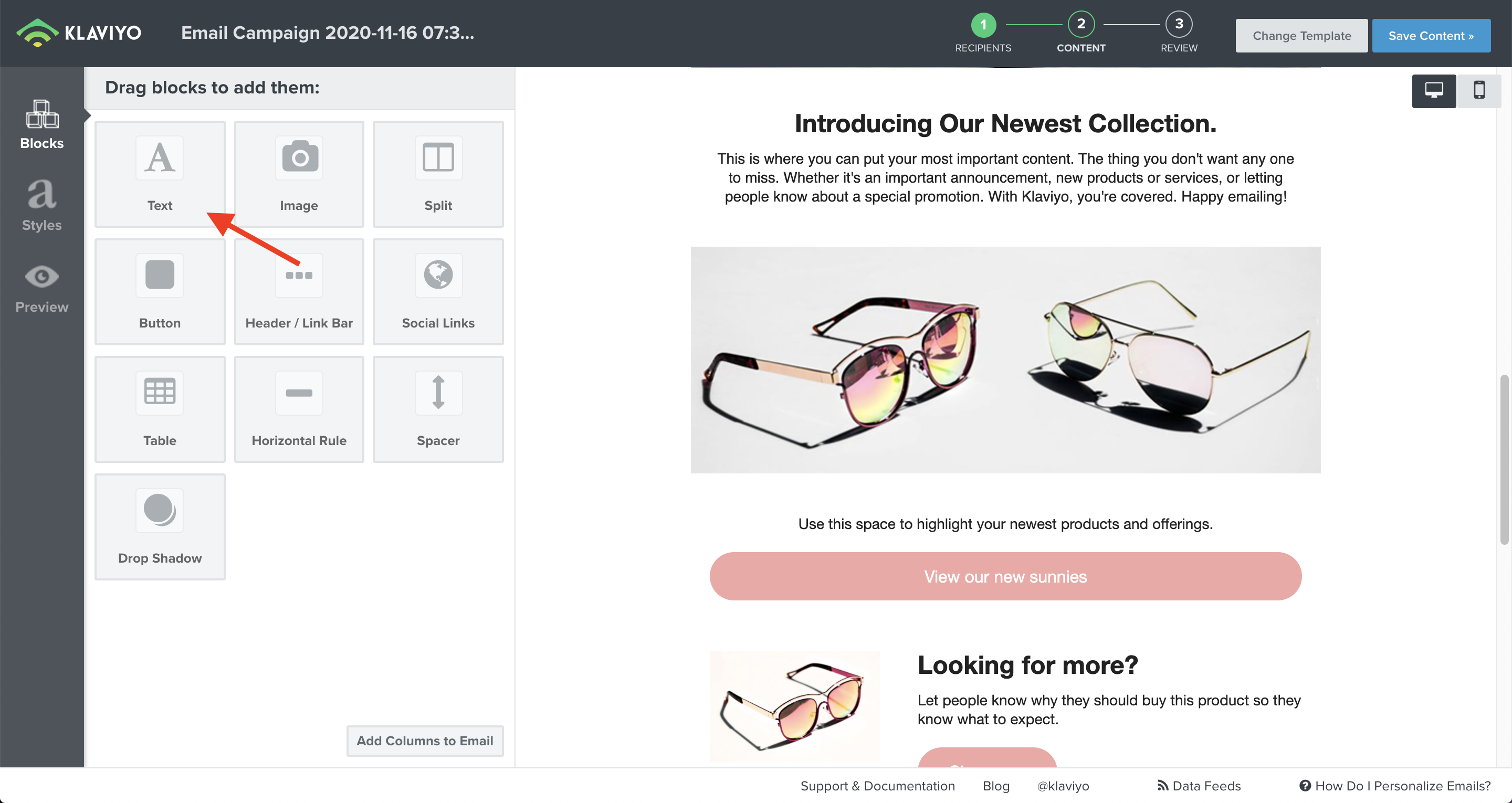
- Once you’ve placed the 'Text block' in your email, click on it to open the editor. Then click on the 'Source' button in order to paste the HTML-code from Flowbox.
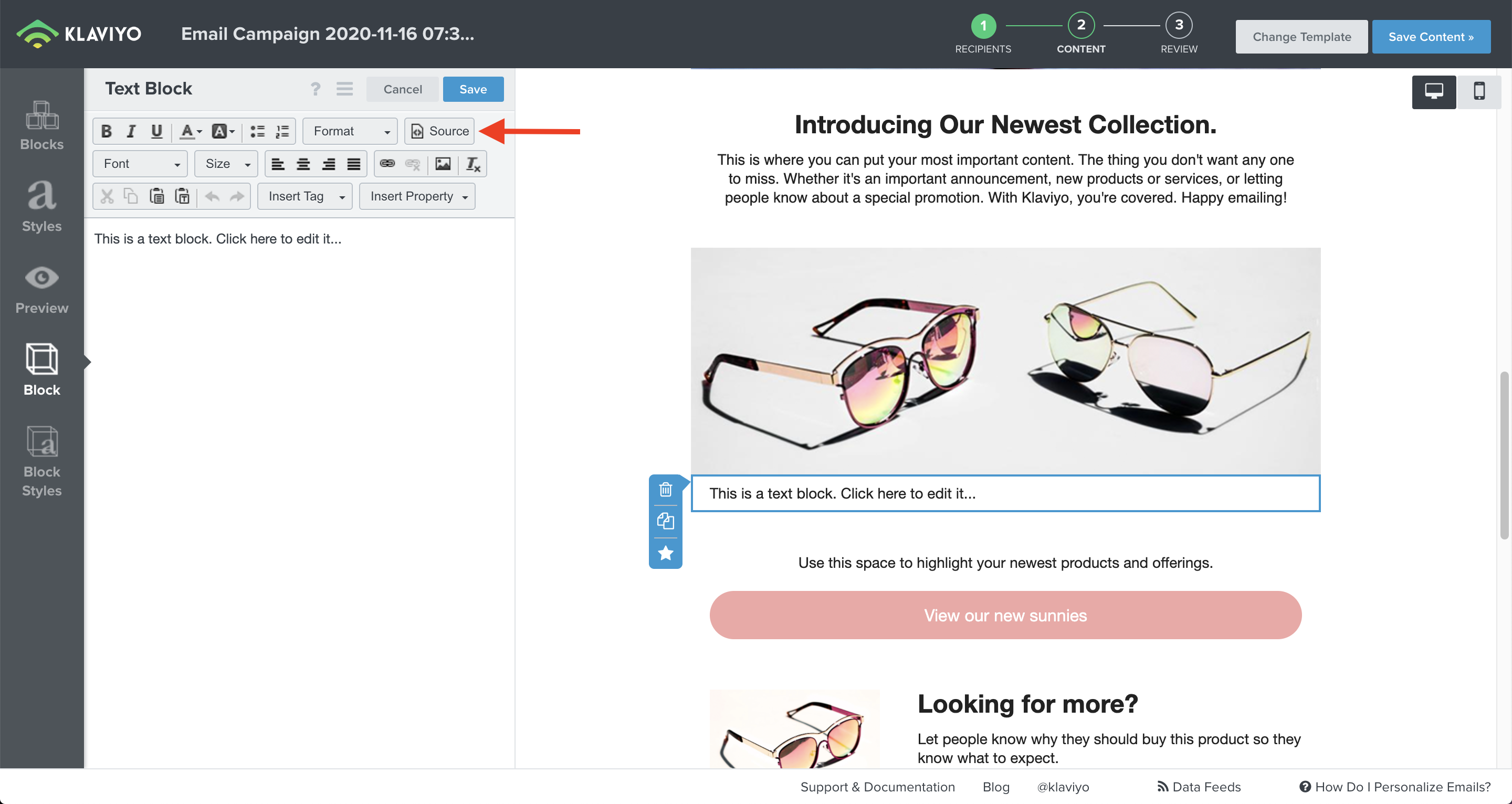
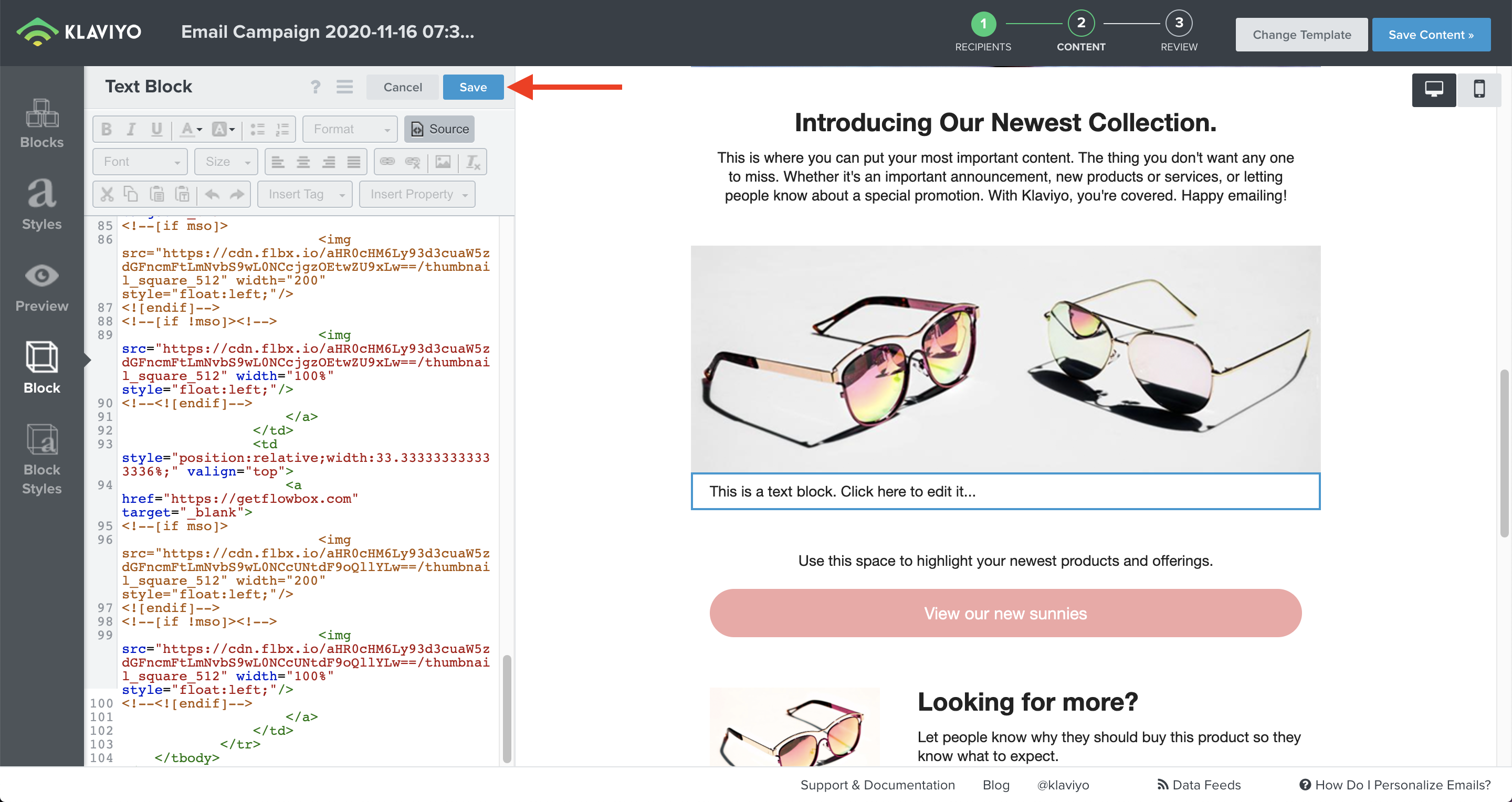
- Paste the HTML-code of your Flow into the text editor and click on 'Save.'
- Once saved, the Email Flow will appear in your email template. 👇
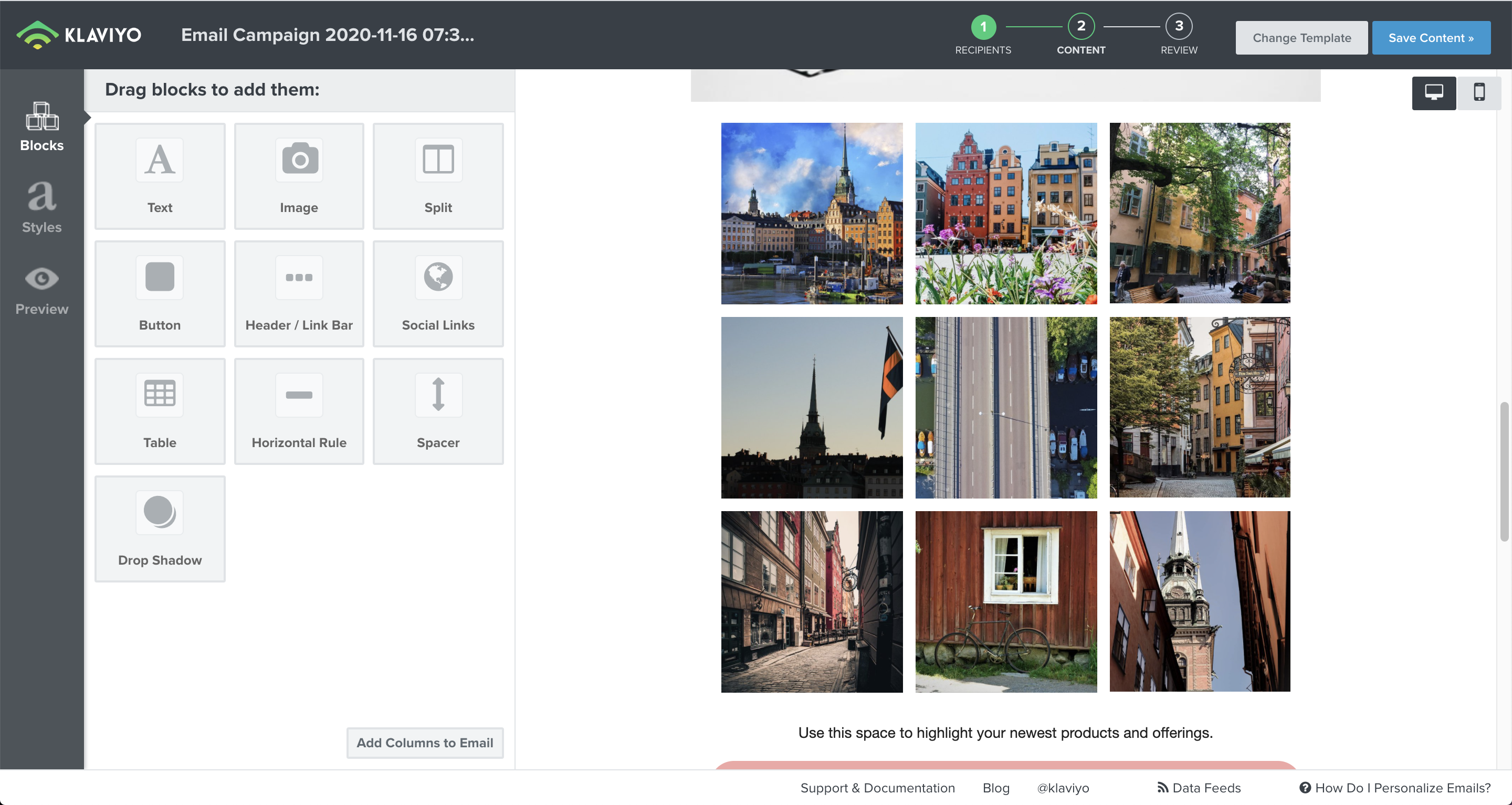
- All done!

- Make sure that you have set the width of the Flow in Flowbox to use ‘%’ instead of ‘px’ to make it responsive.
- If anything is not inlined, double-check the settings on your email template.
- Go to our general Flow in Email article if you need help setting up your email Flow.